

Transparent File Encryption
Ping64 | Ping32 is next-generation transparent document encryption software. Combining transparent encryption, permission controls, and sensitive-content recognition, it classifies sensitive enterprise data and applies different levels of encryption to core and non-core data, protecting company data without disrupting productivity.
Encryption and access controls provide tiered protection for sensitive enterprise data while maintaining everyday work efficiency.
Core Document Encryption
Protect enterprise core technical data
Using a strong encryption algorithm, files created in specified controlled applications are transparently encrypted in real time and automatically decrypted on access. The process is seamless and does not disrupt employees' existing workflows.
Explore Now
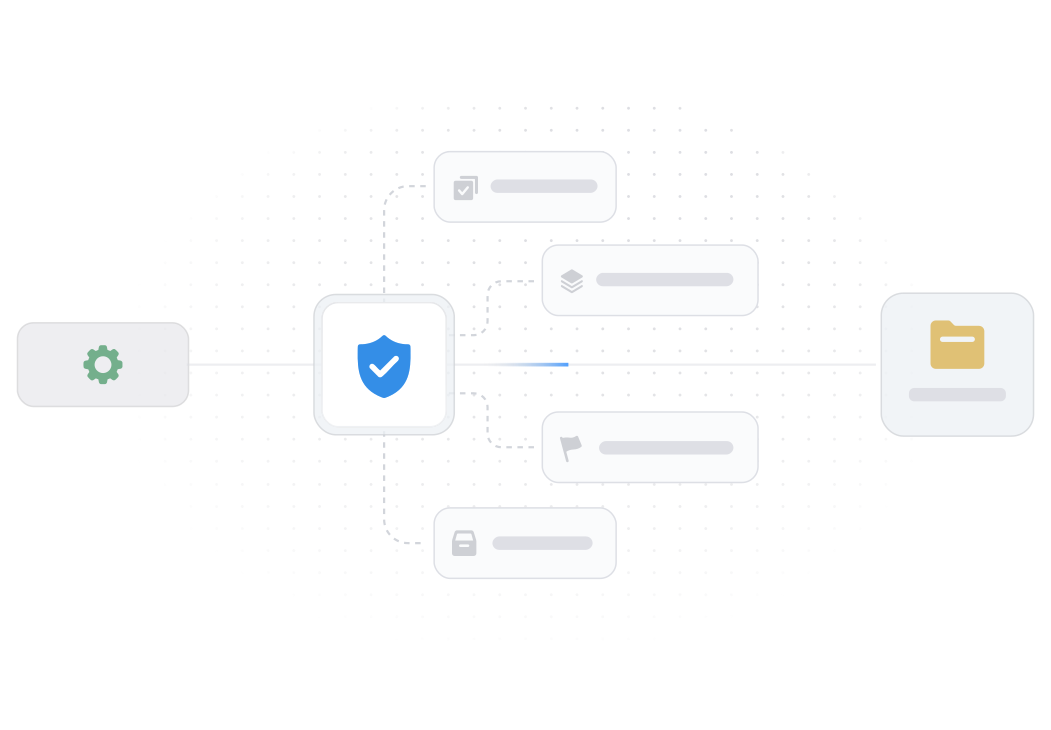

Transparent Encryption and Decryption
Encrypt and decrypt files transparently in real time as they are accessed. Protect office documents, design drawings, source code and other files.

Semi-Transparent Encryption and Decryption
Apply security controls only to encrypted documents. They remain encrypted after editing, while files that were not previously encrypted are unaffected.

Trusted Application Library
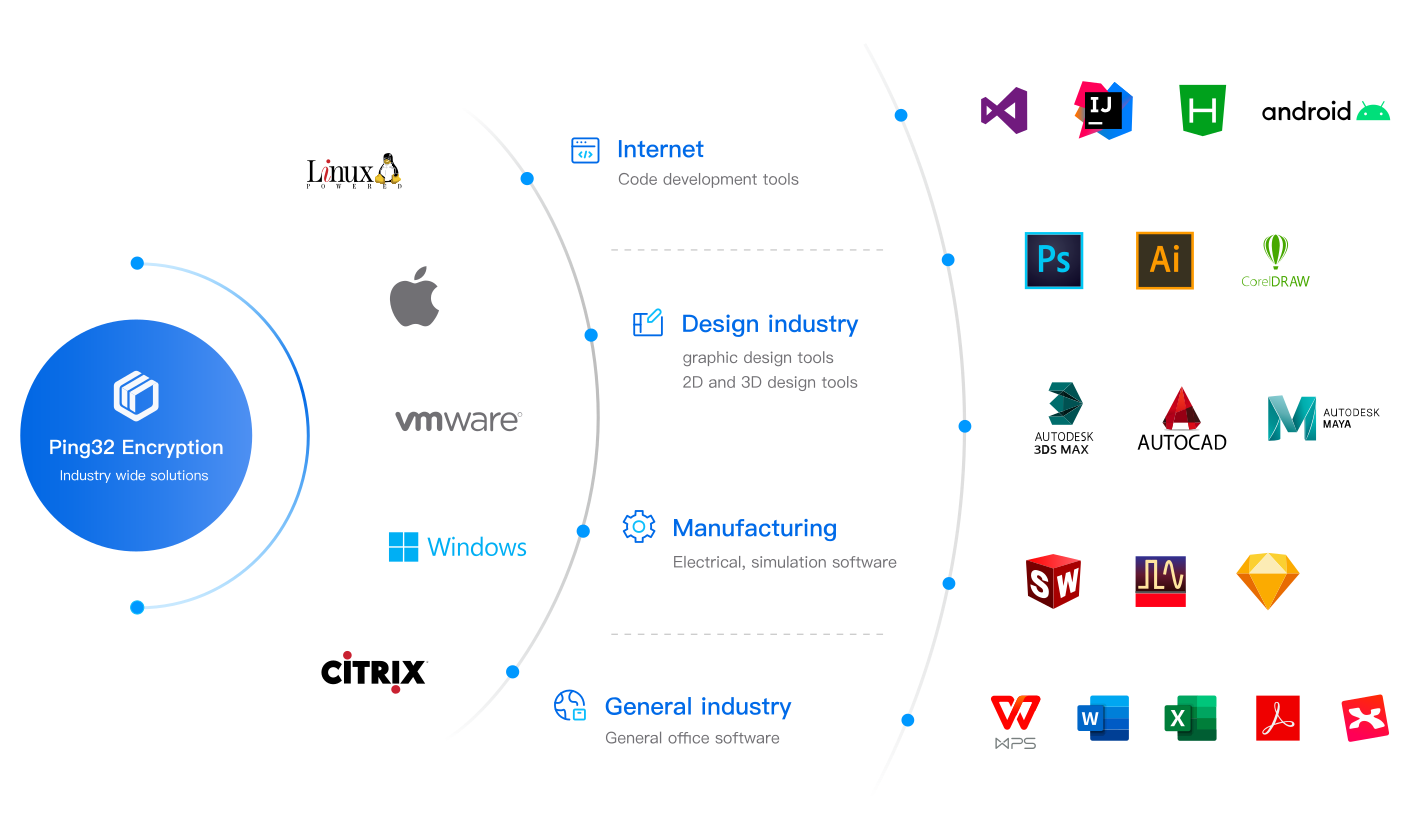
Support encryption across a wide range of applications and file types, including office documents, design drawings, source code and compressed files.
Approval Process
Ping64 | Ping32 supports flexible process approval to meet business process requirements.


Ping64 | Ping32 supports a variety of flexible ways to process user requests
Multilevel Approval
Support single-level, multi-level, sequential and countersignature approvals so managers at each level can review requests.
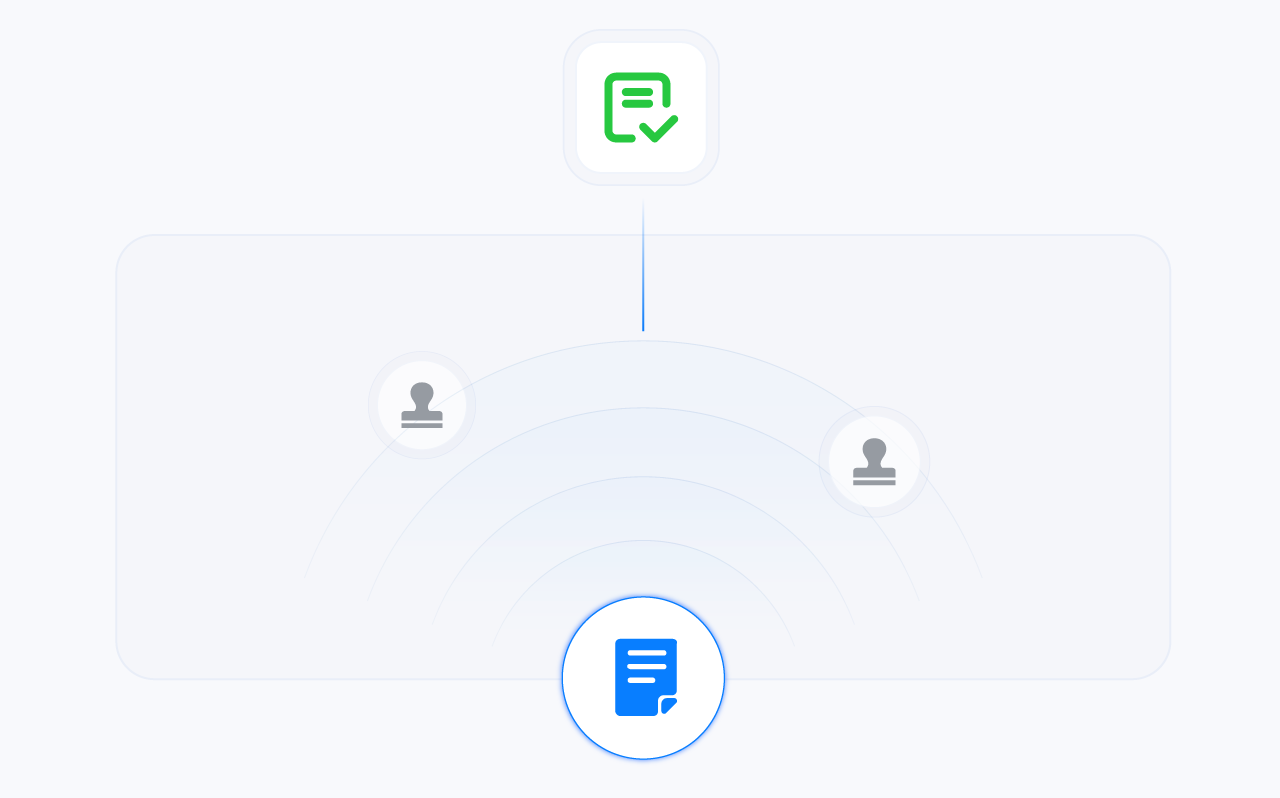
Approval Quota
It is more convenient and flexible to set the number of decrypted files or data to the user through the quota system.

Approval Methods
Submit requests through mobile devices, browsers, WeCom, DingTalk, Feishu and other channels.
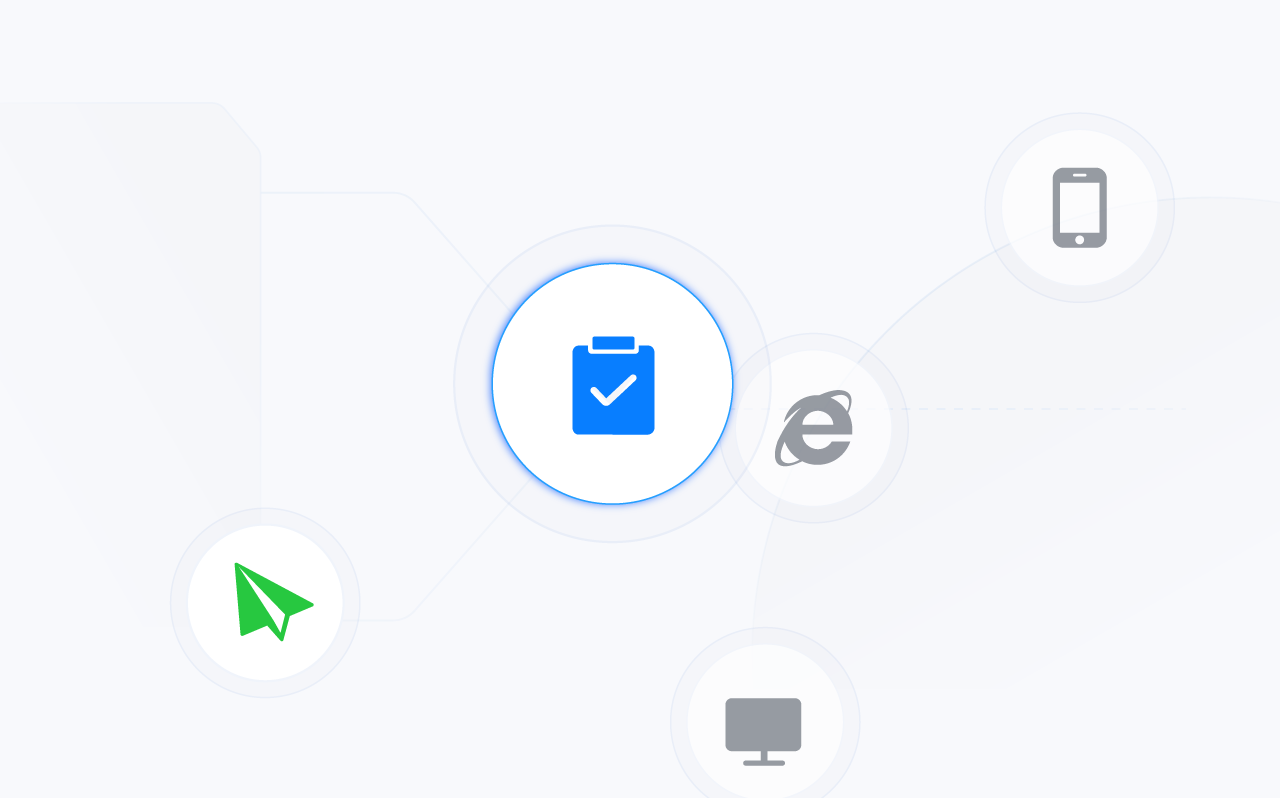

Document Decryption Approval
Decryption approval based on different file types and sizes, and automatic encryption beyond the specified time after decryption.

File Transmission
Check the permission compliance of outgoing files, understand the dynamics of outgoing documents, and ensure the security of file use.

Classification Adjustment
Adjust the use rights of core confidential documents, only authorized administrators and employees can view and use.

Security Zone Adjustment
Control document access between different departments and strictly limit the interaction of important documents within the enterprise.

Mail Decryption
Conduct compliance approval for email recipients, body and attachments to ensure safe and compliant email transmission.

Offline Work Extension
When a user exceeds the preset offline period, an approval request can extend the time available for offline work.
Application Scenarios
 Superior performance
 Stable quality
 Flexible deployment
Secure File Transmission
Ensure that the ciphertext can be used securely
File virtualization combines with encryption and permission controls to protect documents sent outside the organization. Set how each document may be used and help prevent onward leaks without disrupting normal work.
Explore Now

Access control
Apply granular permissions to each outgoing file, including viewing periods, view counts, printing rights and watermarks.

External file viewer
Recipients can view encrypted documents without installing the encryption client, helping keep document use secure.

External sharing audit
Complete outgoing-file logs record the sender and file permissions, making activity traceable.
Full Range Encryption, Various Application Scenarios
From different file encryption requirements to file permission management, strong protection of enterprise core data.

Intelligent Encryption
Combine sensitive-content recognition with document encryption to detect confidential information in the organization and encrypt it automatically.

New File Encryption
Monitor designated endpoint folders and automatically encrypt specified file types when they are created or saved.

Full Encryption And Decryption
Scan the specified location of the terminal or encrypt the specified file type in the whole disk.

Network storage encryption
Use the network storage scanning tool to find files in specified locations and encrypt or decrypt them.

Security classification
Classify important documents and control access to core data. Users cannot access files above their security clearance.

File Security Domain
Isolate data between departments or business units and control where documents can be used and shared.

Decryption gateway
Without changing the network architecture, encrypted endpoint files are decrypted when uploaded to designated business systems and encrypted when downloaded.

Email allowlist
Encrypted attachments are automatically decrypted for trusted email addresses, removing the need to decrypt each attachment separately.

Off-grid Office
The terminal ciphertext is available when the client is offline due to business trips or network faults.
Typical Application Of File Encryption
 How can I encrypt only important documents within an enterprise?Can the printer print encrypted documents? What should I do?Use Ping64 | Ping32 to encrypt the development codeHow does document encryption software keep outgoing files safe?Can the browser preview encrypted documents and is there a risk of leakage?Encrypt CAD drawings using Ping64 | Ping32How do I manage encrypted files on travel staff's computers?How does document encryption prevent server data leakage?Encrypt Office documents using Ping64 | Ping32How to handle user decryption, outgoing approval?
Start using Ping64 right away
Contact us to discuss your requirements and a deployment plan for your organization.


